START
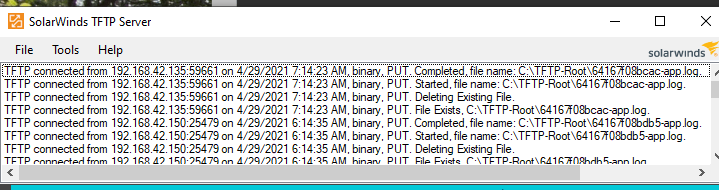
First launch the program TFTP, Trivial File Transfer Protocol.
Next go and check for latest software update to https://support.polycom.com/content/support/emea/emea/en/support/voice/polycom-uc/polycom-uc-software-release.html
UC Software 6.3.1.11465 – Latest UC Software release loaded April 28, 2021.
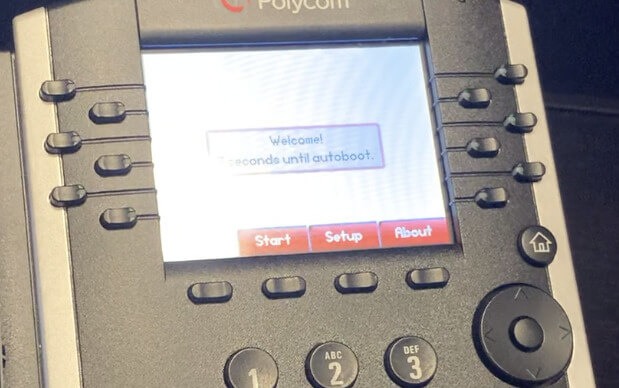
Start by plugging in the phone with a Internet Cable and Power
The follow the steps
Hit Cancel to prevent an automatic setup
Select Setup
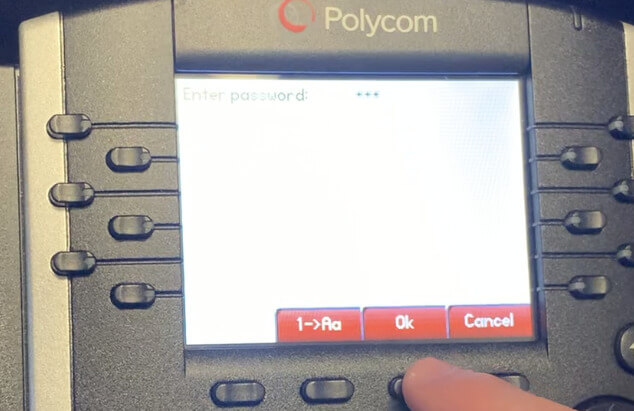
Enter Password 456 and Select OK
Select Server by selecting center button for ENTER.
Then navigate left right to select choice then select ENTER.

Select TrivialFTP by navigating to FTP and select enter. The navigate to TrivialFTP
Enter Computer IP 192.168.42.140
Select a->1A to enter numbers
Asterisk is .
Select Exit
Select Exit again
Then Save to Reboot
Process will take a while. While this is running through go to Twilio
https://www.twilio.com/console
Go To TwiML Bins
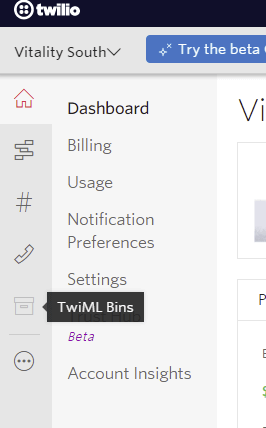
Select + to create new entry
Under Configuration
Go to FRIENDLY NAME and enter ToName (space)
Go to TWIML enter the following:
Example:
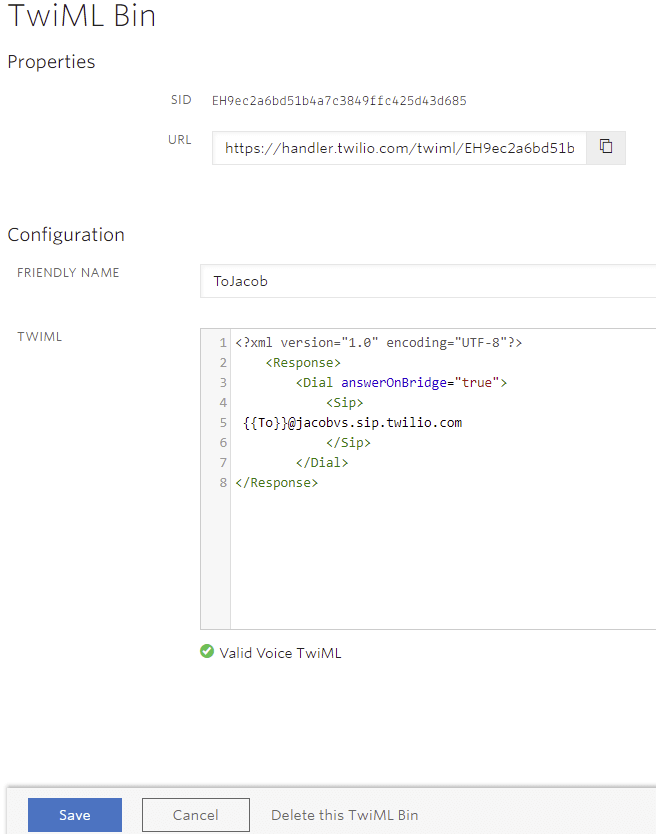
Save and Valid Voice TwiML should appear
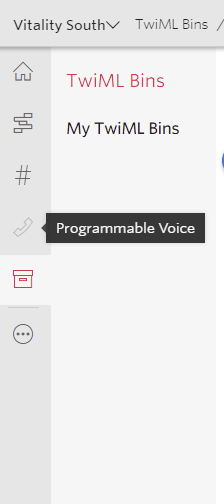
Select Programmable Voice
Select SIP Domains
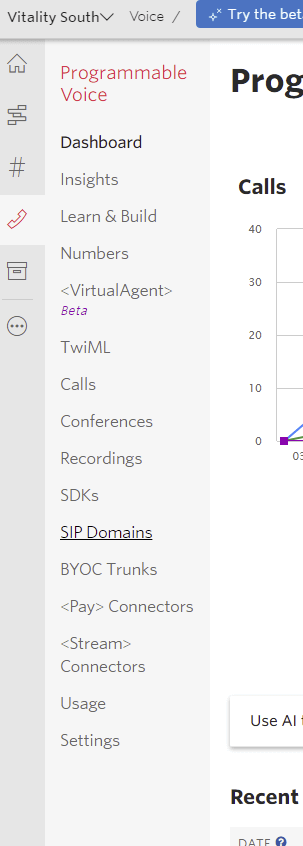
Select Plus to create new entry
Under Configure
Properties
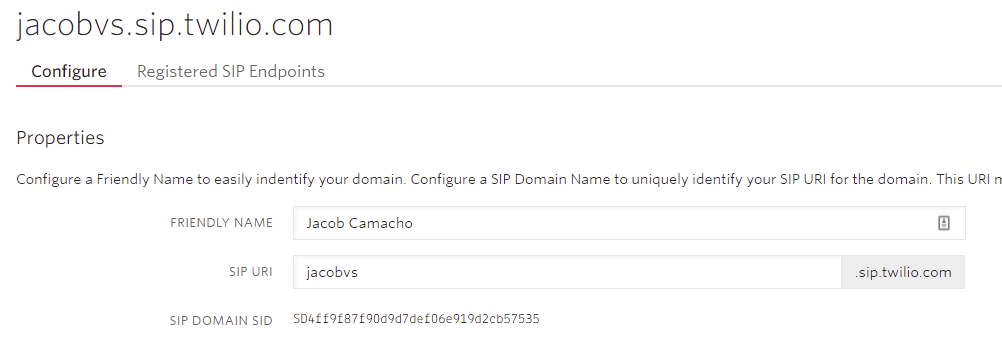
Configure a Friendly Name
In FRIENDLY NAME field enter: first and last name
In SIP URI enter namevs
Example:
Voice Authentication
The following IP ACL’s and Credential List
Select the Plus under Credential List

New Credential List pop up
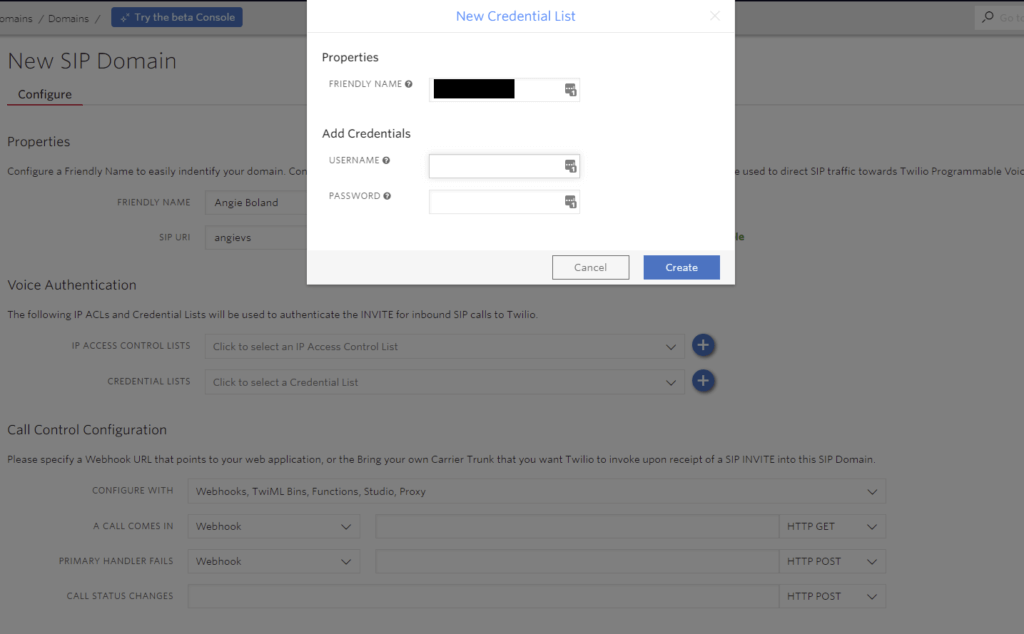
Enter FRIENDLY NAME first and last
Add Credentials
USERNAME: +16623334444
PASSWORD: Generate 12 digits with no symbols in LastPass
Make sure to copy and paste new password in a secure place to retrieve at later date.
Select Pull Down under CREDENTIAL LIST and select new entry.
Under Call Control Configuration
In the A CALL COMES IN select TwiML Bin and select OutboundVoice
Under SIP Registration select ENABLED
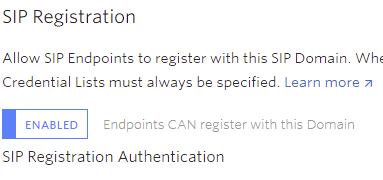
Under CREDENTIAL LIST select new name entry

SAVE
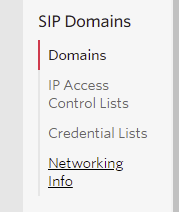
Go to Networking Info Under SIP Domains
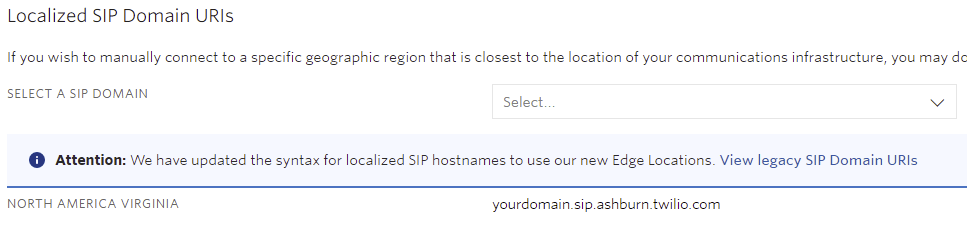
Under Localized SIP Domain URIs
SELECT A SIP DOMAIN under pull down select new name entry
Go to Phone Numbers
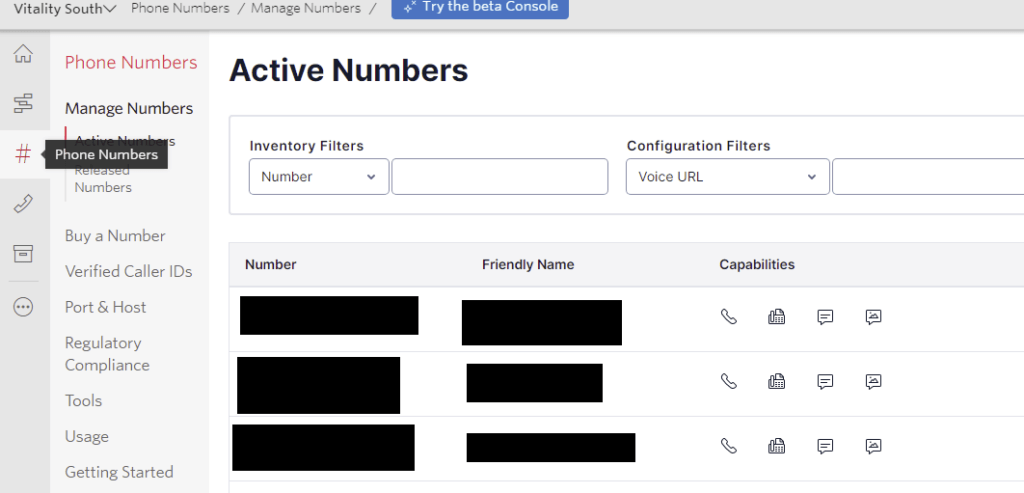
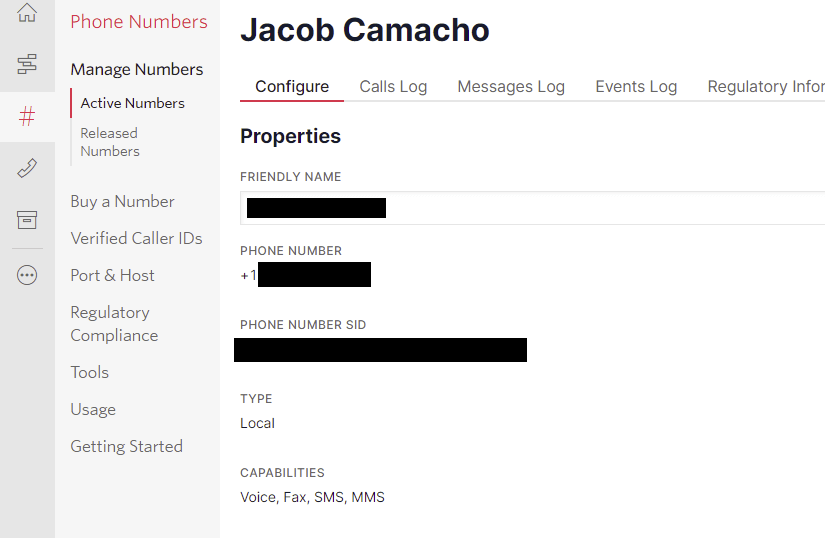
Select Number attached to new name entry
Enter FRIENDLY NAME
Under Voice & Fax
Go to A CALL COMES IN
Select TwiML Bin from drop down and select to ToName created.
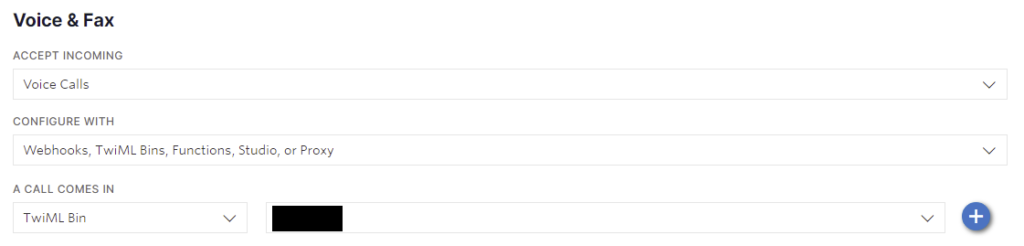
SAVE
Phone process should be complete
You will see a dialog box
Select Home Key
Settings
Status
Network
IP will appear copy QUICKY
Connect through browser
Https://IP
Hit Advanced at the bottom
Proceed
Select Simple Set Up
Go to Time Synchronization
Select north-america.pool.ntp.org
Go to SIP Server
Address: namevs.sip.ashburn.twilio.com
Port: 5060
SIP Outbound Proxy MAKE NO CHANGES
SIP Line Identification
Display name: First and Last Name
Address: +16623334444@namevs.sip.twilio.com
Authentication User ID: +16623334444
Authentication Password: Same Password generated in LastPass
Label: First and Last Name
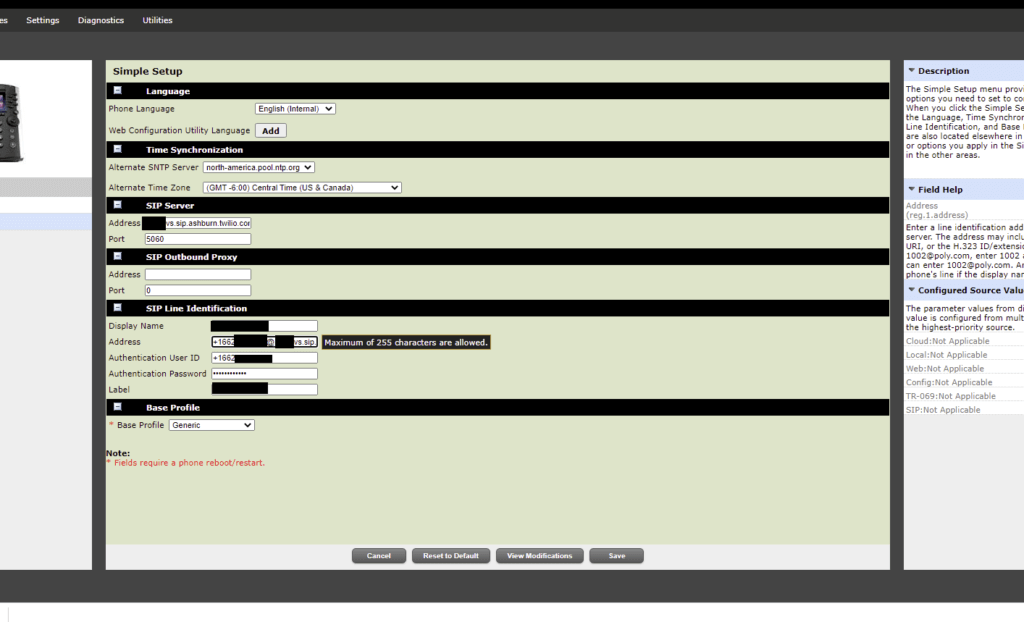
Save
Final Step
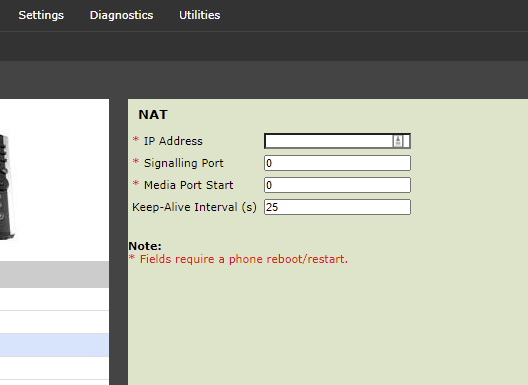
Go to Settings
Select Network
Select Nat
Enter 25 for Keep Alive Interval
Test by calling with an Inbound and Outbound Call