Move a site from .intheworks.link to the main domain
change-site-domain.sh
somethingwhatever.intheworks.link
somehthing.org
www.something.org
change-site-domain.sh
Old site
New Site NO www
Site with www
Example:
change-site-domain.sh
arkansas.intheworks.link
arkansashfma.org
www.arkansashfma.org
IMPORTANT: Open a new Notepad doc and copy old IP. Make sure to record any records that will change.
Open Route 53 and check records
Select domain and view records. Records should already be created in the Hosted Zone at this point.
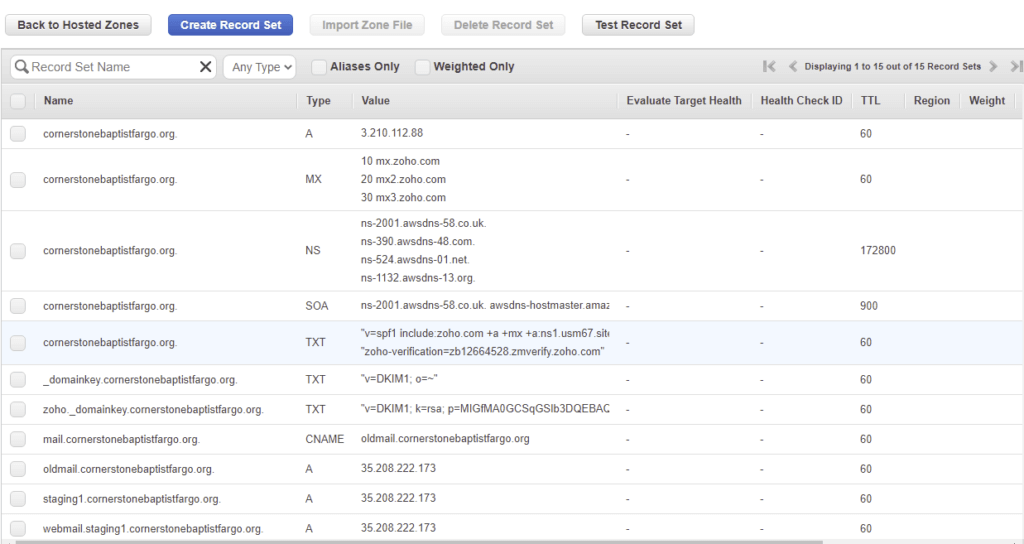
Look up DNS to see what IP is showing. Change to new and ensure IP pointed correctly. You want the IP to show 3.210.112.88
Use DNS Look Up. Look up all four Google, Cloudflare OpenDNS, and Quad9 https://dnschecker.org/all-dns-records-of-domain.php?query=www.cornerstonebaptistfargo.org&rtype=ALL&dns=cloudflare
Change the A Record:

Change the CNAME record’s IP to 3.210.112.88
Or SERVER #2
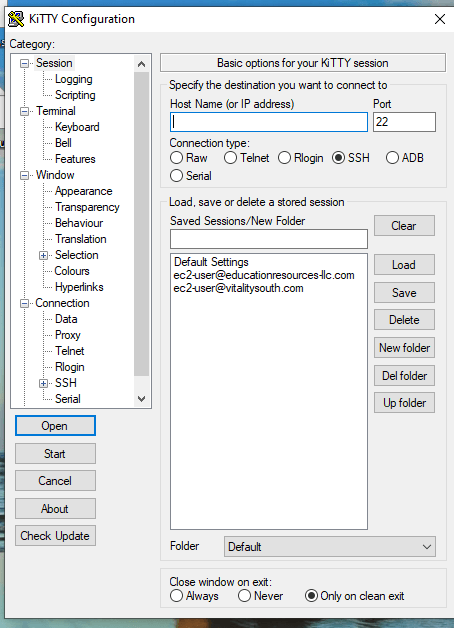
35.172.255.65
Education Resources Server

Flush Cache
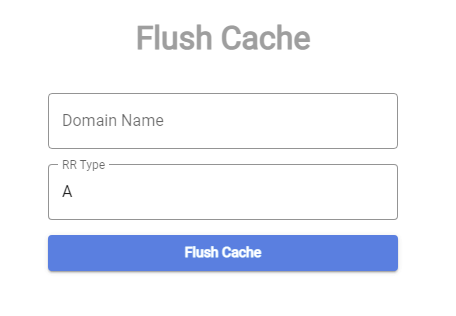
Again, use DNS Look Up. Look up all four Google, Cloudflare OpenDNS, and Quad9 https://dnschecker.org/all-dns-records-of-domain.php?query=www.cornerstonebaptistfargo.org&rtype=ALL&dns=cloudflare
If IP is now showing at 3.210.112.88 run script.
Open Kitty

Add Key
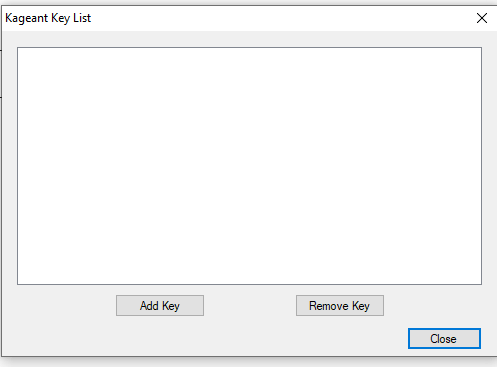
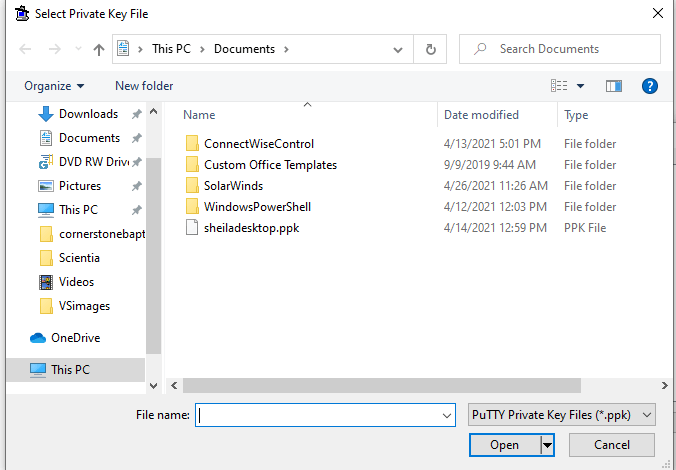
Select .ppk
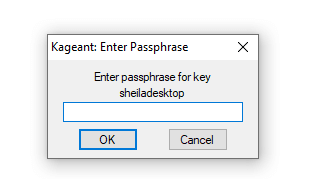
Enter PW from LastPass
Open screen

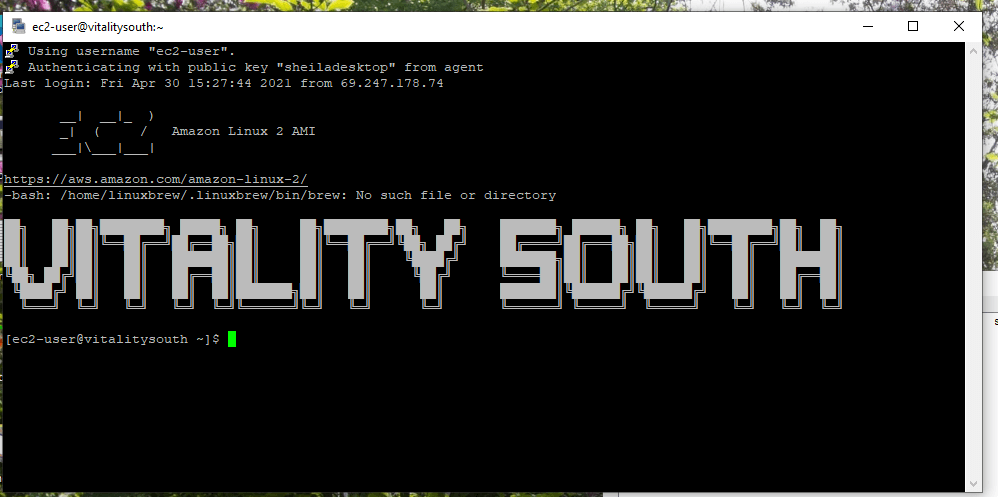
RUN Script
Copy and right click to Paste
Paste: change-site-domain.sh
Paste: Old site
Paste: New Site No www
Paste: Site with www
Script will pause and ask yes or no. Type: y
Exit