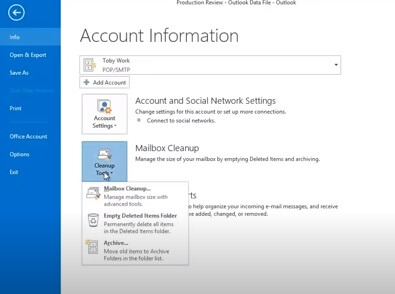
Go to File
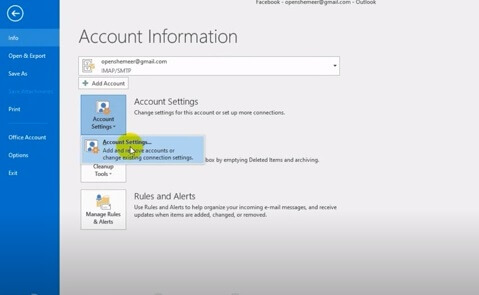
Select Account Settings
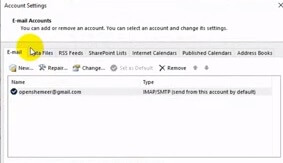
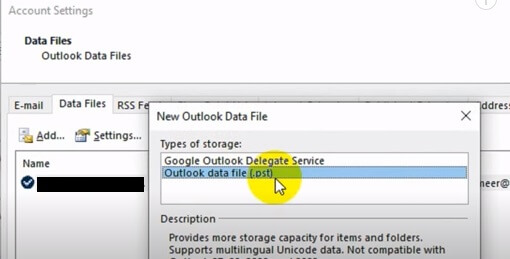
Select Data Files
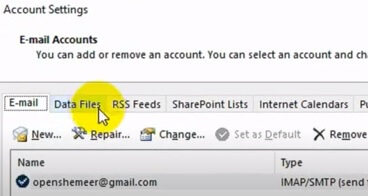
Select Add Files
Then Select Outlook data file (.pst)
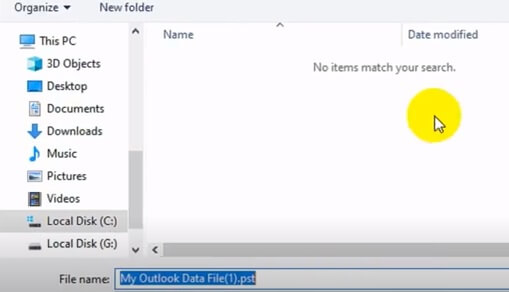
Find an area to save archived file (.pst) Example: test.pst
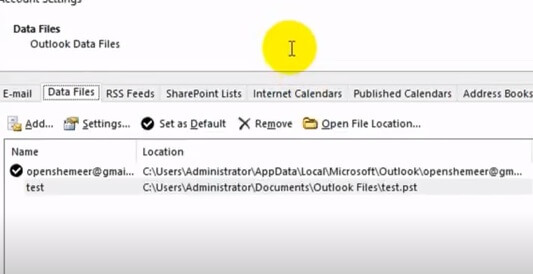
Go to area selected to Save and file should be there.
Archive in Outlook 2013
Select File
Select Cleanup Tools
Archive at the bottom