Go to
https://wsg.aviontego.com/rdweb/pages/en-US/Default.aspx
Username and Password
Download link
Right of Screen Select Import/Export Tab
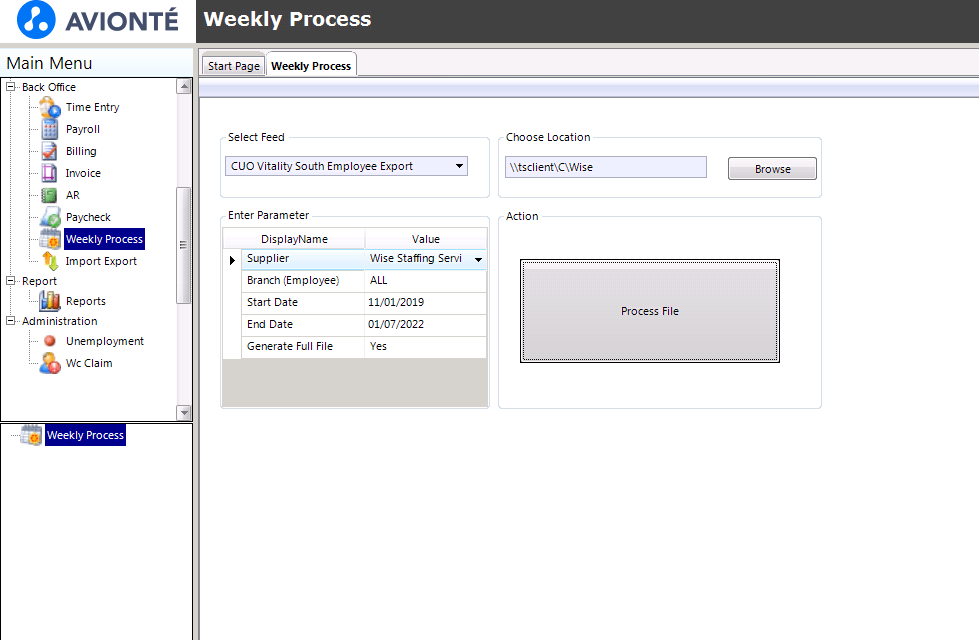
Select CUO Vitality South Employee Export from drop-down
Then select a location to export files \\tsclient\C\Wise
Select Dates
Start: 11/1/2021
End: Today’s Date
Select 7 Values and export one at a time.
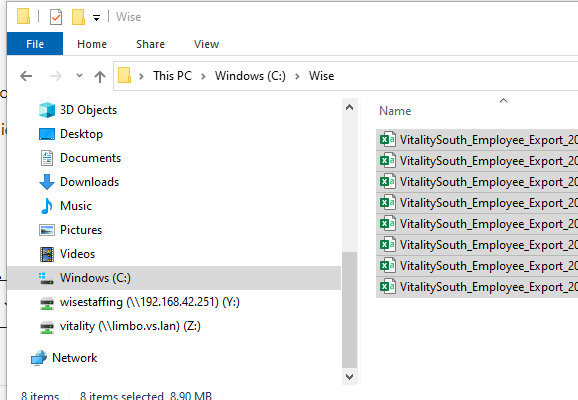
Open Folder Exported and make sure 7 files exported
Copy files to Net