Skip to content
Vitality South Knowledgebase
Login with Google

WordPress Backend

  • Google Maps Widget

Categories

  • Account – Helps
  • Code
  • Email
    • Gmail
    • Gmail Merged Accounts
    • Outlook
    • SES – Amazon, adding another email to forms.
  • Free Graphics
  • Help Desk
    • 4 Step Troubleshooting
    • Apps for Customers
    • Archive emails in Outlook
    • Carousel Pictures for Desktop Screen
    • Connect to Server
    • Create Outlook email from Zoho
    • Create something.intheworks.link
    • DNS Tools
    • Domain Transfer
    • Duplicate emails
    • Email Migration
    • facebook Ads
    • Go Live Long Version
    • Graphics
    • Introduction Terminology
    • iPhone Setup
    • Map Z Drive
    • Phone Setup
    • Phone setup forwarding to a cell
    • Reverse Lookup Free Site
    • Screen Sharing Connectwise
    • Setting Up a WP Site
    • support+customername@vitalitysouth.com
    • Transferring DNS Records
    • Word Copy Paste not working
    • WP Plugins
  • Monitors
    • Screen Display Incorrect
  • Onboarding VS Employees
    • Setup
  • Printers
  • Reports
    • WS
  • RingCentral
  • Security
  • SEO
    • Backlinks
    • How to setup Analytics
  • Server
  • Software
    • WinSCP
  • Twilio
    • Downloading software
  • Uncategorized
  • Vitality South Phone Numbers
  • Website-Server
    • Create a Staging Site – intheworks.link
    • Make A Site Go Live
    • WordPress Setup of Staging Site – intheworks.link
  • WordPress Backend
    • Google Maps Widget

WP Rocket Lazy Load

WP Rocket Lazy Load Issue with Background Images

Link to more documentation for WP Rocket Lazy Load Fixes

https://docs.wp-rocket.me/article/15-disabling-lazy-load-on-specific-images

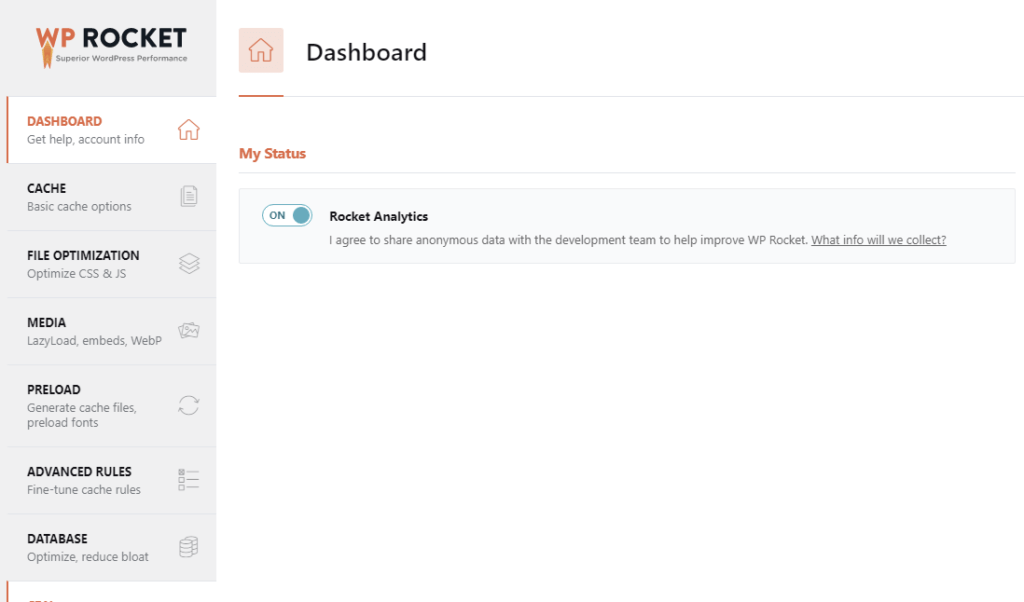
Go To WP Rocket Settings
Go To Media
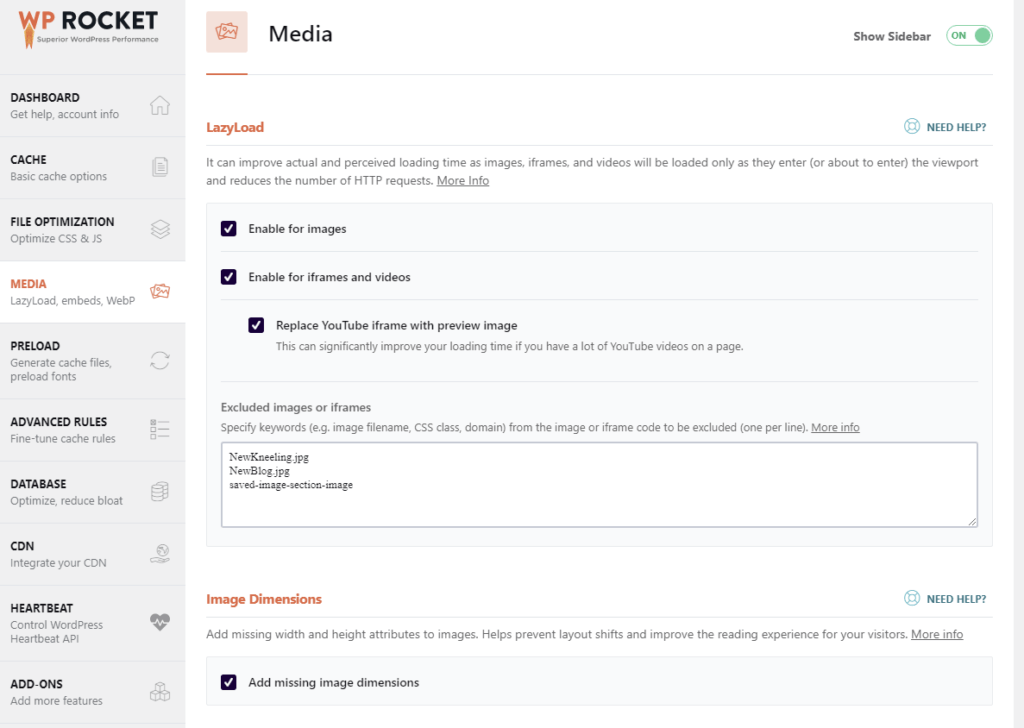
Add Images

Add Classes

Class Example
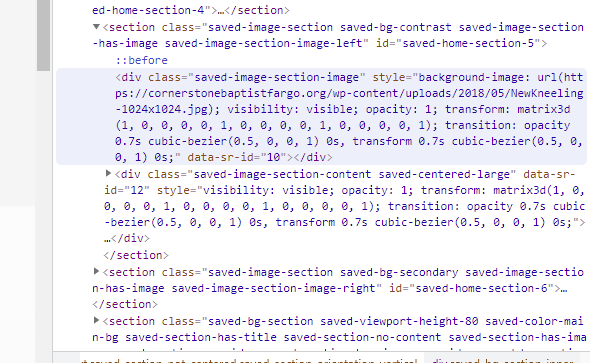
save-image-section-image

Vitality South Knowledgebase

© 2021 Vitality South, LLC. All right reserved.