HELP DESK – How to use Connectwise screen sharing.
Remote access to customers needing help.
Vitality South Customers utilizes ConnectWise. L&L has their own ConnectWise account.
If customer does not already have ConnectWise installed have them download the ConnectWiseApp.
https://vitalitysouth.com/sc.exe – for Windows
https://vitalitysouth.com/sc.pkg – for Mac
Send client the link above to initiate process.
Ask client to click link and process of screen sharing should begin.
The access screen to remote in. Right click Guest and select Join.
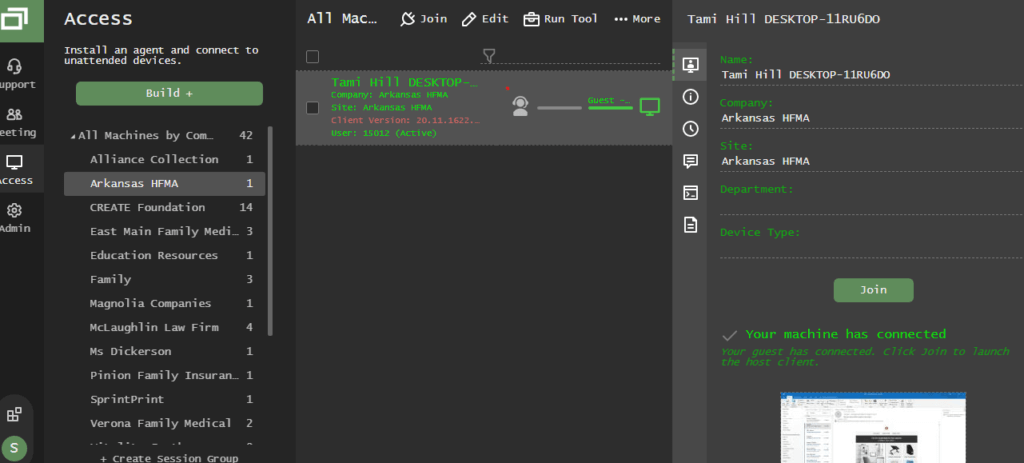
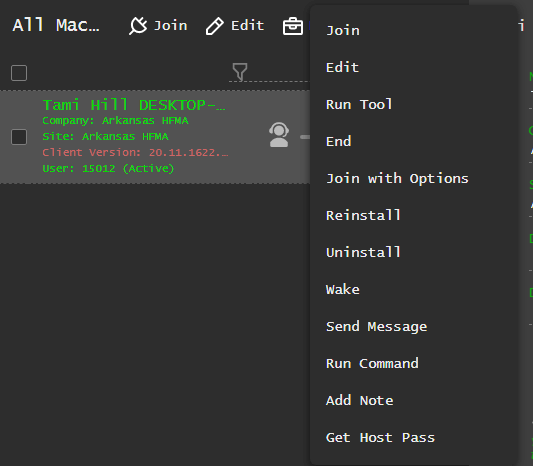
Make sure when session is over to close app by selecting the X to close in the upper right hand.
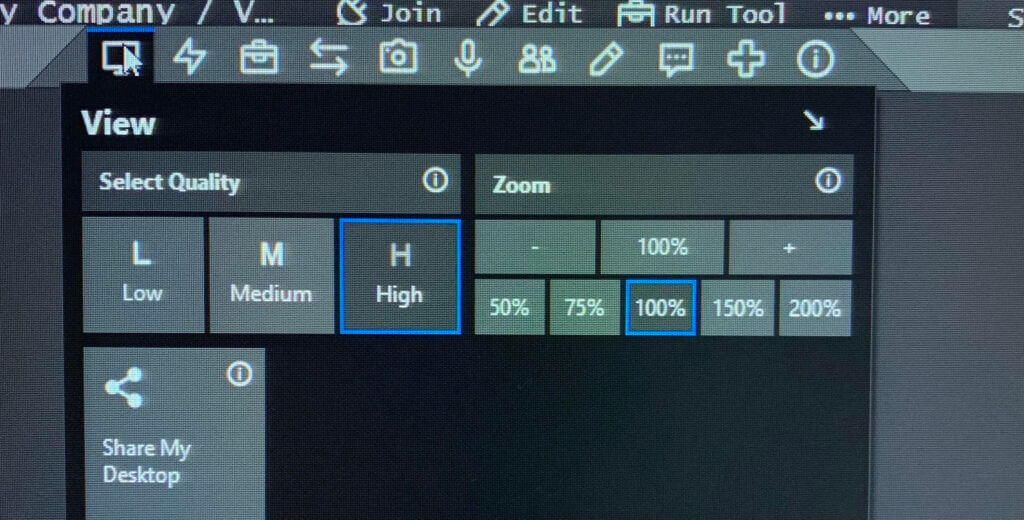
View Monitor
Select dual screen or focus on one monitor.
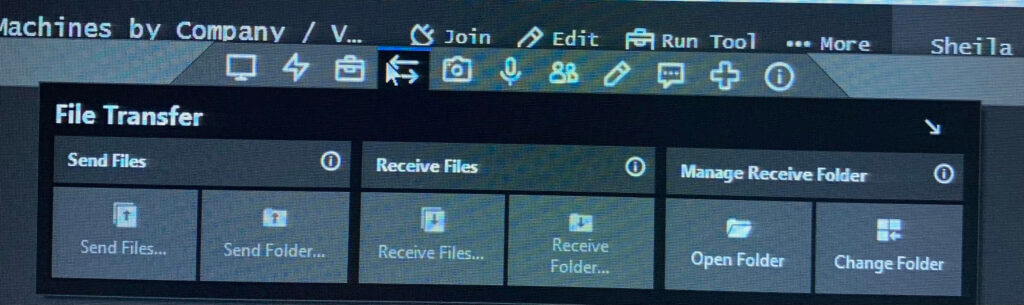
Send or Receive Files