Log in to Twilio
Select Studio
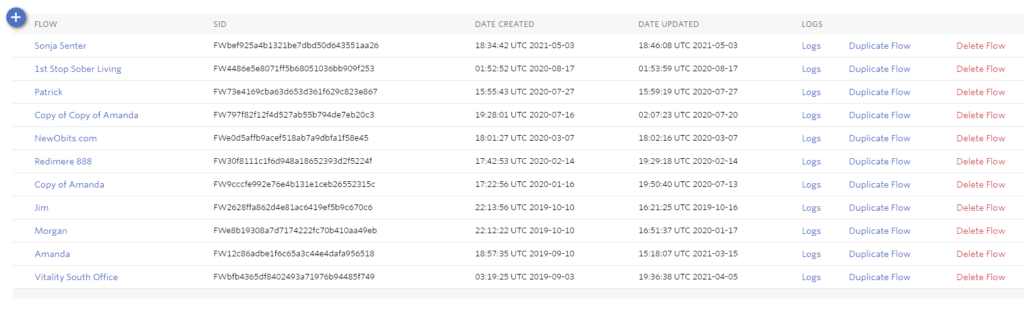
Select Duplicate Flow
Select Trigger by double clicking
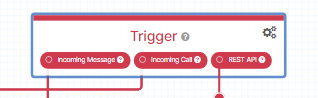
Screen opens on the right
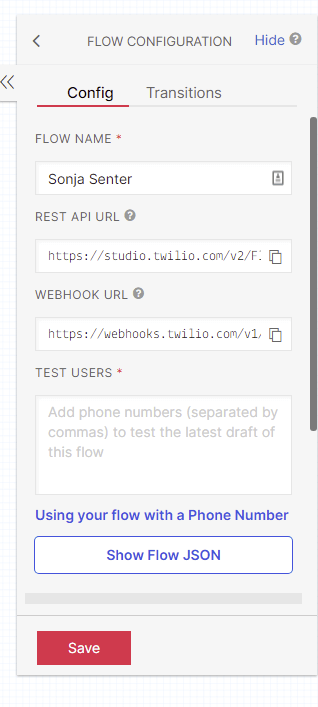
Enter New name
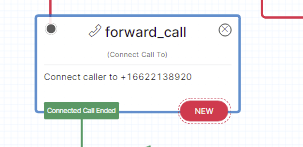
Select forward_call
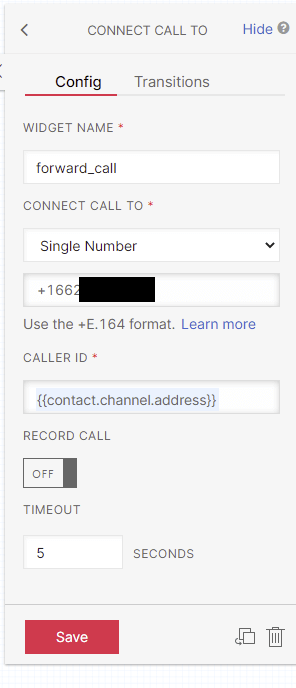
Input Cell
Click on the flow chart ensuring all completion
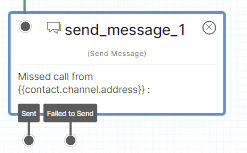
Select send_message_1
Open drop down
Send Message and Chat Config and input new numbers
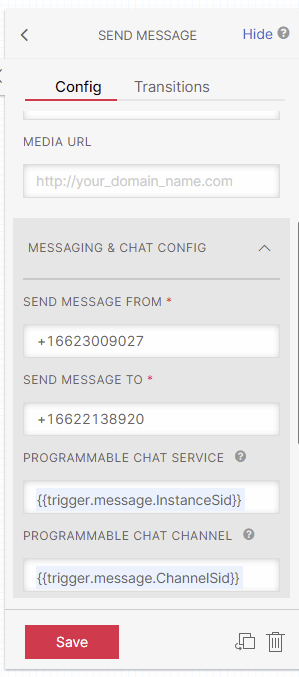
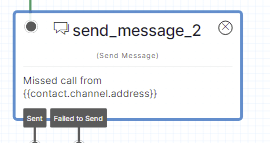
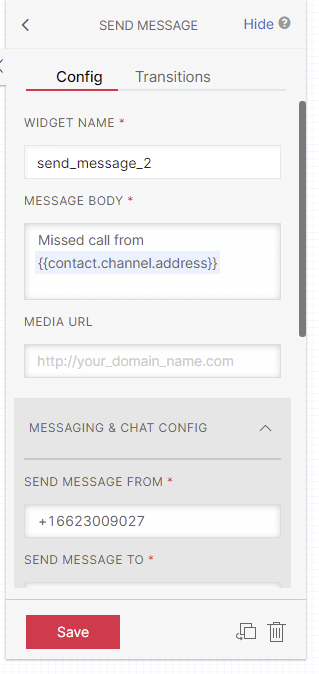
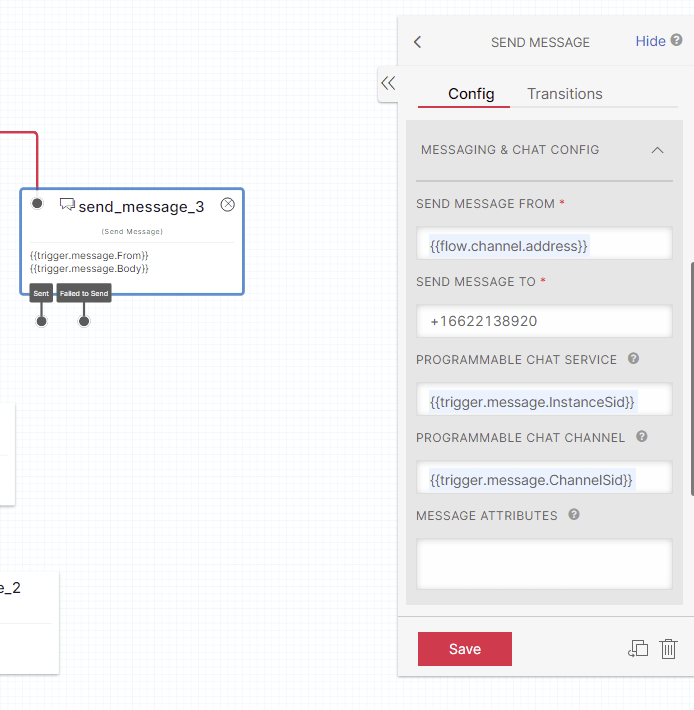
Select send_message_3 and input cell

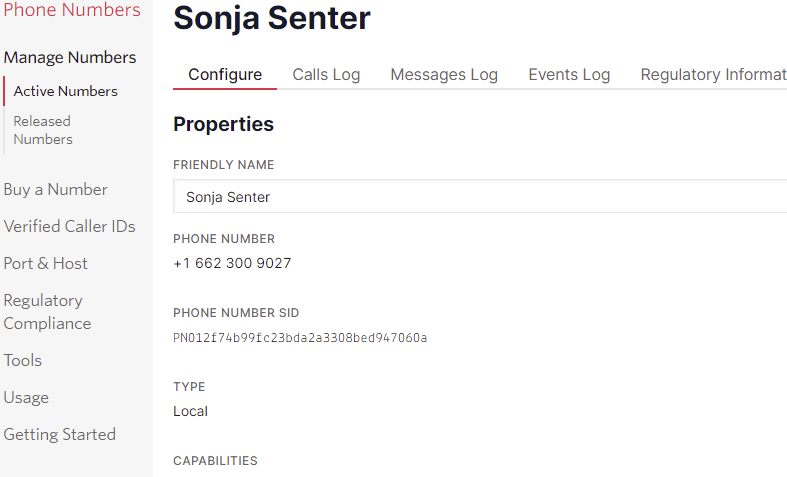
Input User Friendly Name
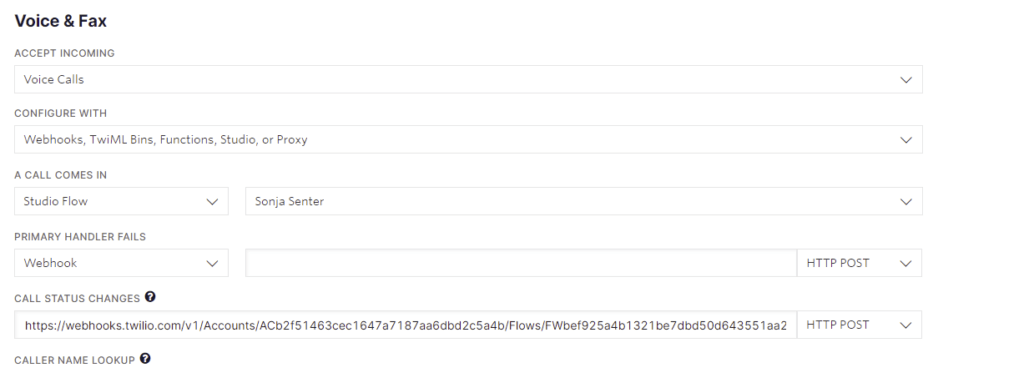
A call comes in select Studio Flow and Select Name in second field