Spotlights Main information for spotlight can be added by logging into the Wordpress backend part of the site at https://minoritypulalliance.org/members/wp-admin/ and editing the Business Spotlight page The box on the home page of the website must be changed manually through HTML code and uploaded through FTP (spotlight image on the homepage needs to be 729 x 462 in size and can be uploaded to https://minoritypulalliance.org/members/wp-admin/ ). For Newsletters Newsletter PDF and screencap of first page can be uploaded to Media Library of https://minoritypulalliance.org/members/wp-admin/ The box on the home page of the website must be changed.
Megan
https://minoritypulalliance.org/members/wp-admin/
LastPass Login
Change index page for
https://minoritypulalliance.org/
Open index file in Notepad and change:
Month, Business Name, Business Info.
Server with key and Password.
Open Server
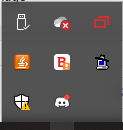
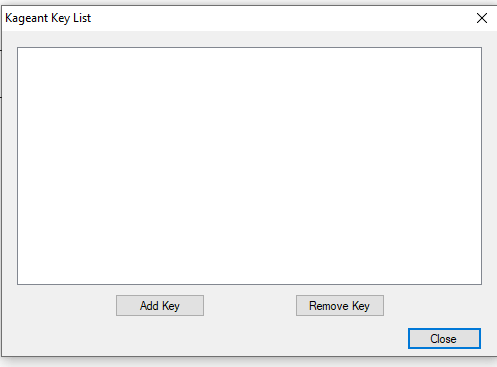
Select Add Key
Password
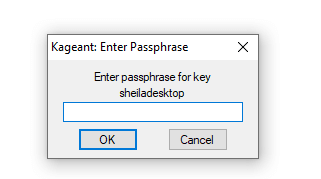
Select the .ppk
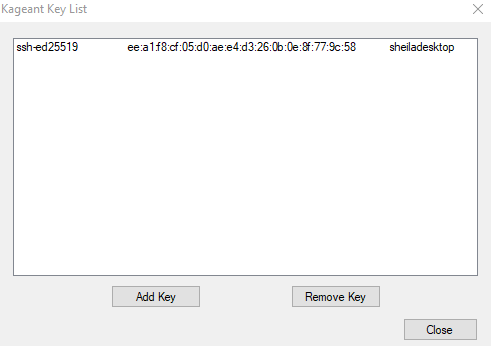
Open WinSCP
User Name is for MinorityPUL WinSCP upload is in LastPass
Locate index.html file in /sites/minoritypulalliance.org
Drop file in and message box will pop up confirming the change.
Confirm the change and double-check the content is correct.
WinSCP