Prepare for setting up Client initiating shared screen.
https://vitalitysouth.com/sc.exe
Important: Have Notepad ready with all information for Client to easily read from screen. This includes user and password. The Zoho mail servers: imappro.zoho.com and smtp.zoho.com.
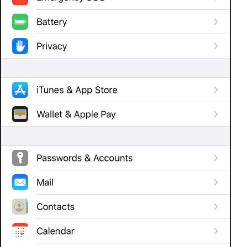
Go to settings.
Next Select Passwords & Accounts
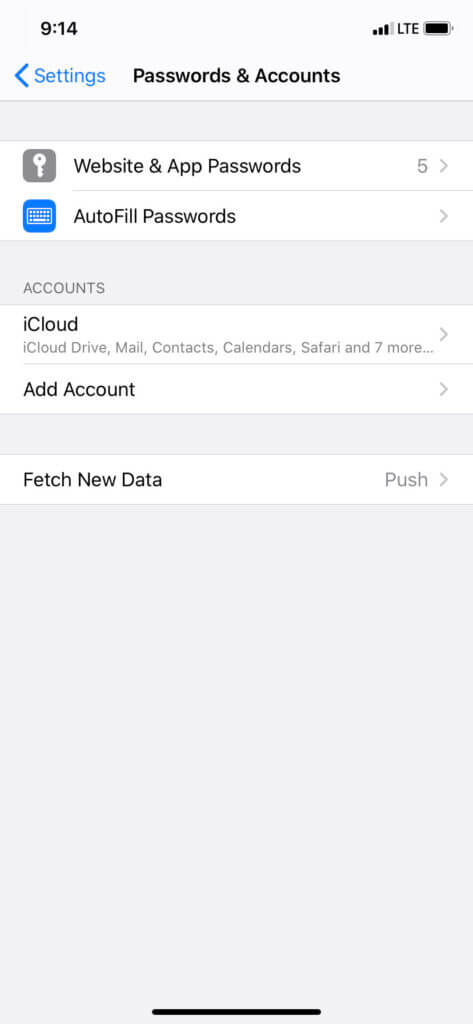
Next Select Add Account
Some iphones have Add Account under Mail
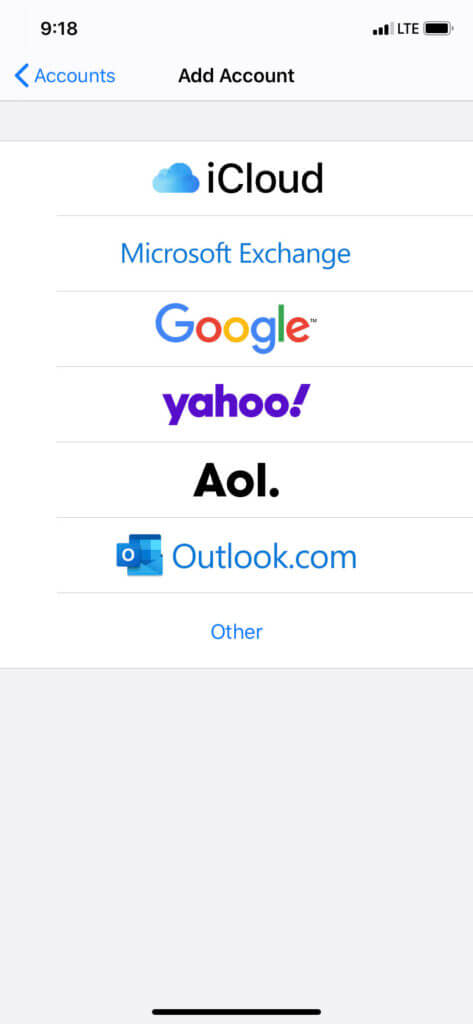
Go to Other at the bottom of the screen
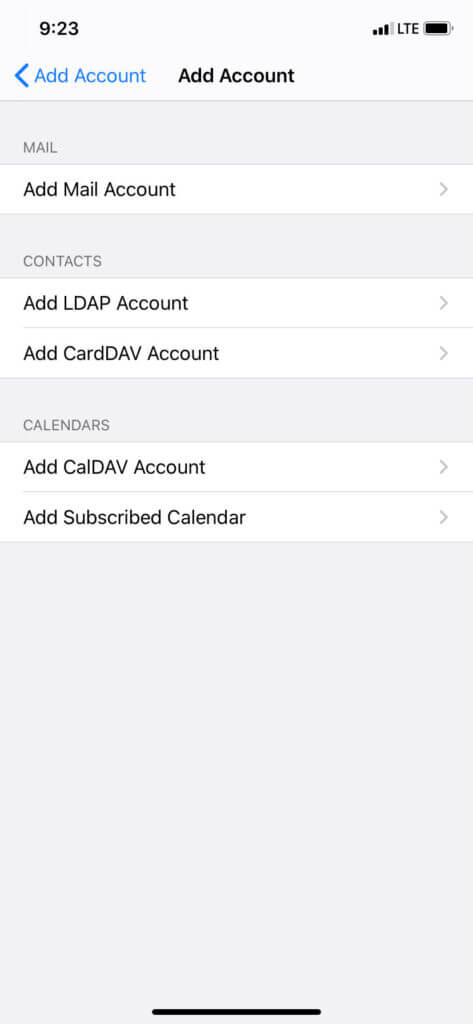
Under Mail Select Add Mail Account
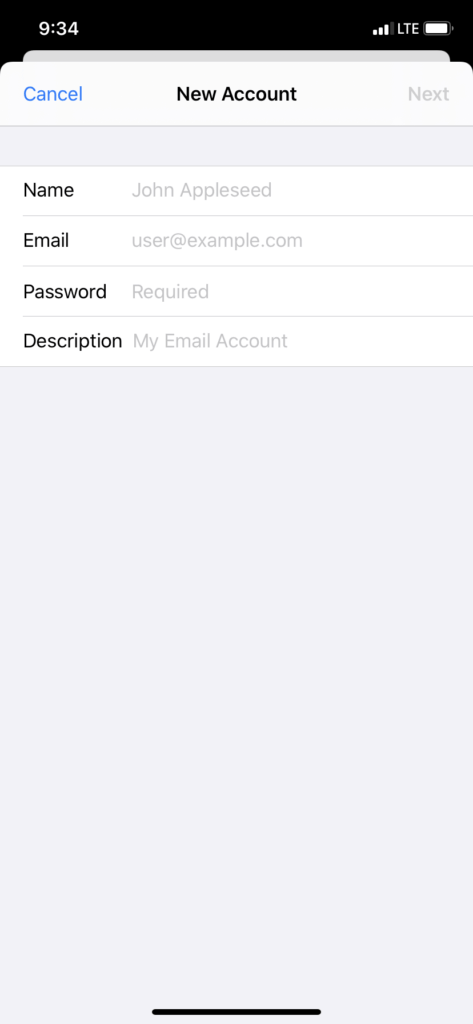
Select Next
Input all Account Information
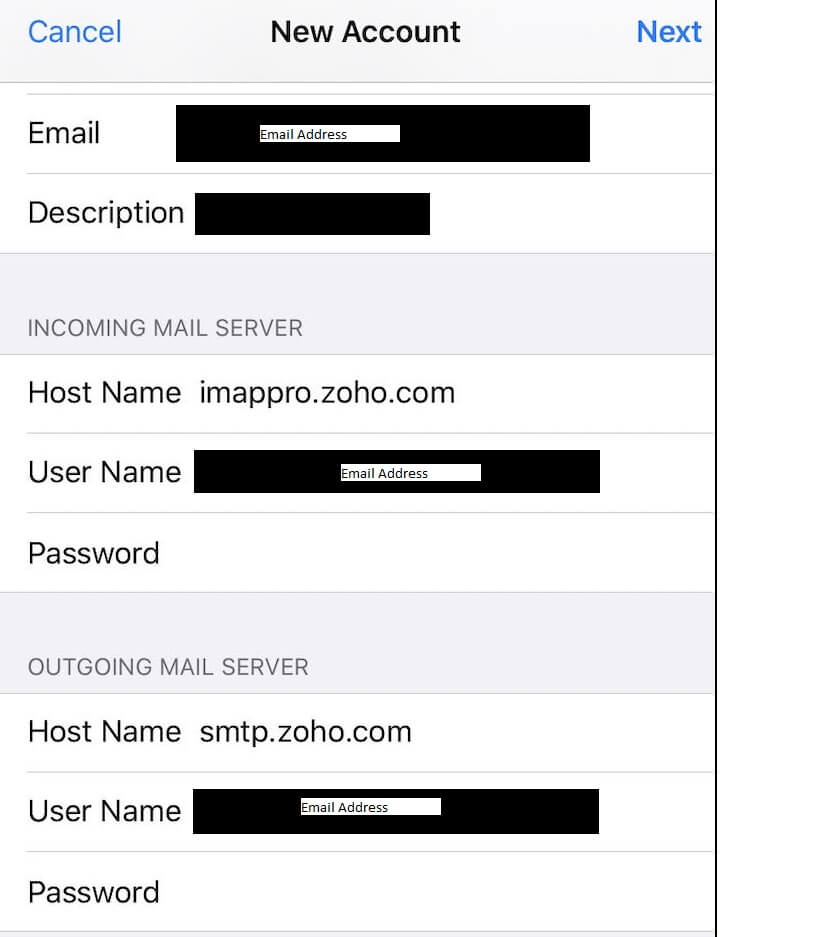
Select Next
Save
Account should be Established